Takeaways from Figma Config 2026
Config is the massive annual global design and technology conference hosted by Figma. The multi-day event takes place in San Francisco and brings together thousands of designers, developers, product leaders, and engineers from around the world. Config's key focus areas are: Product Innovation, Workshops & Keynotes and Community Networking. This particular event focused on AI, Motion and Generative plugins.
Here's a quick look at everything announced at Config 2026:
Code on the Canvas - Closed beta
Figma Motion - Open beta
The Figma Agent - Open beta
Shader fills and effects
Generative plugins
Figma Weave
1. Code on the Canvas
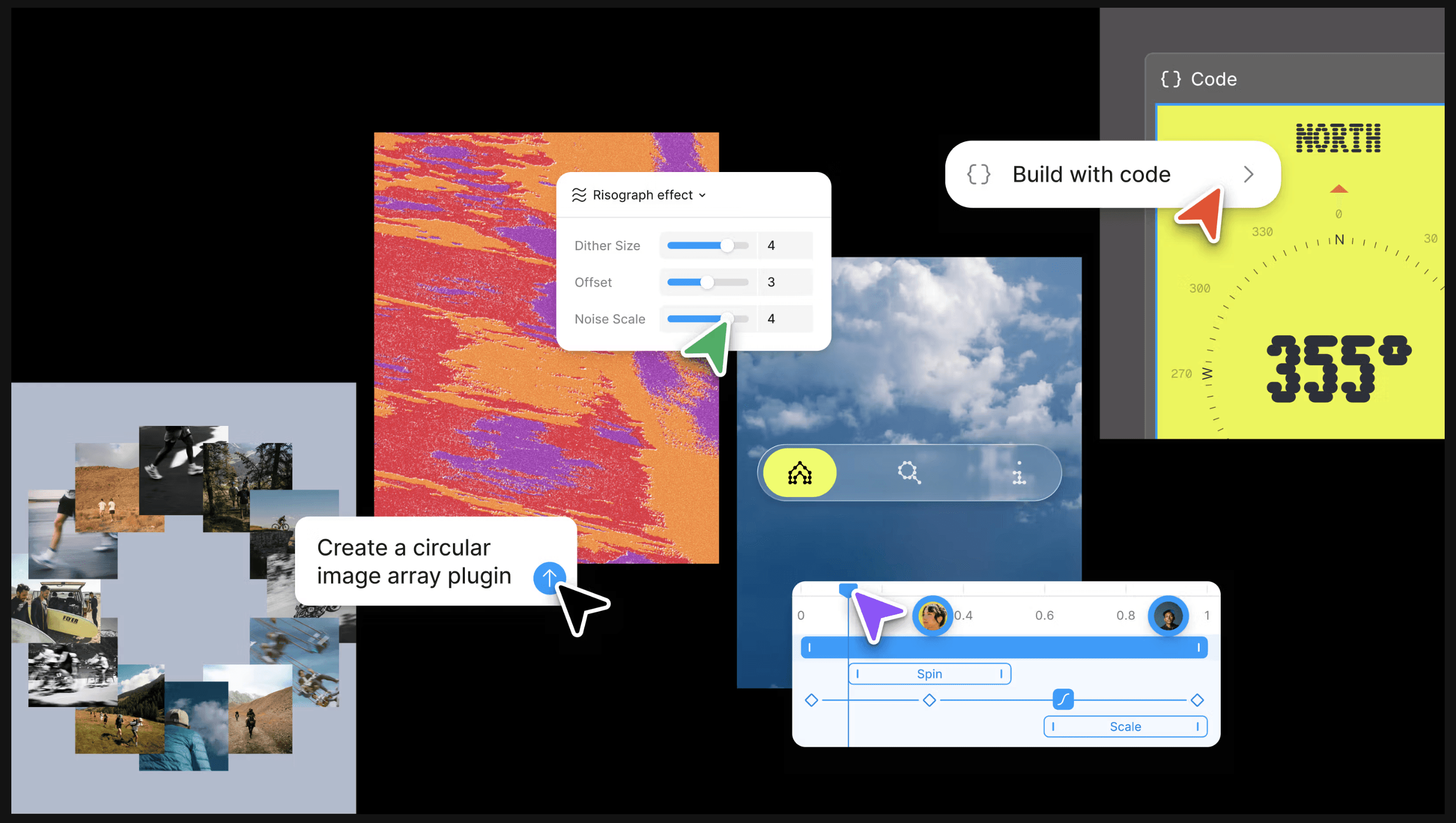
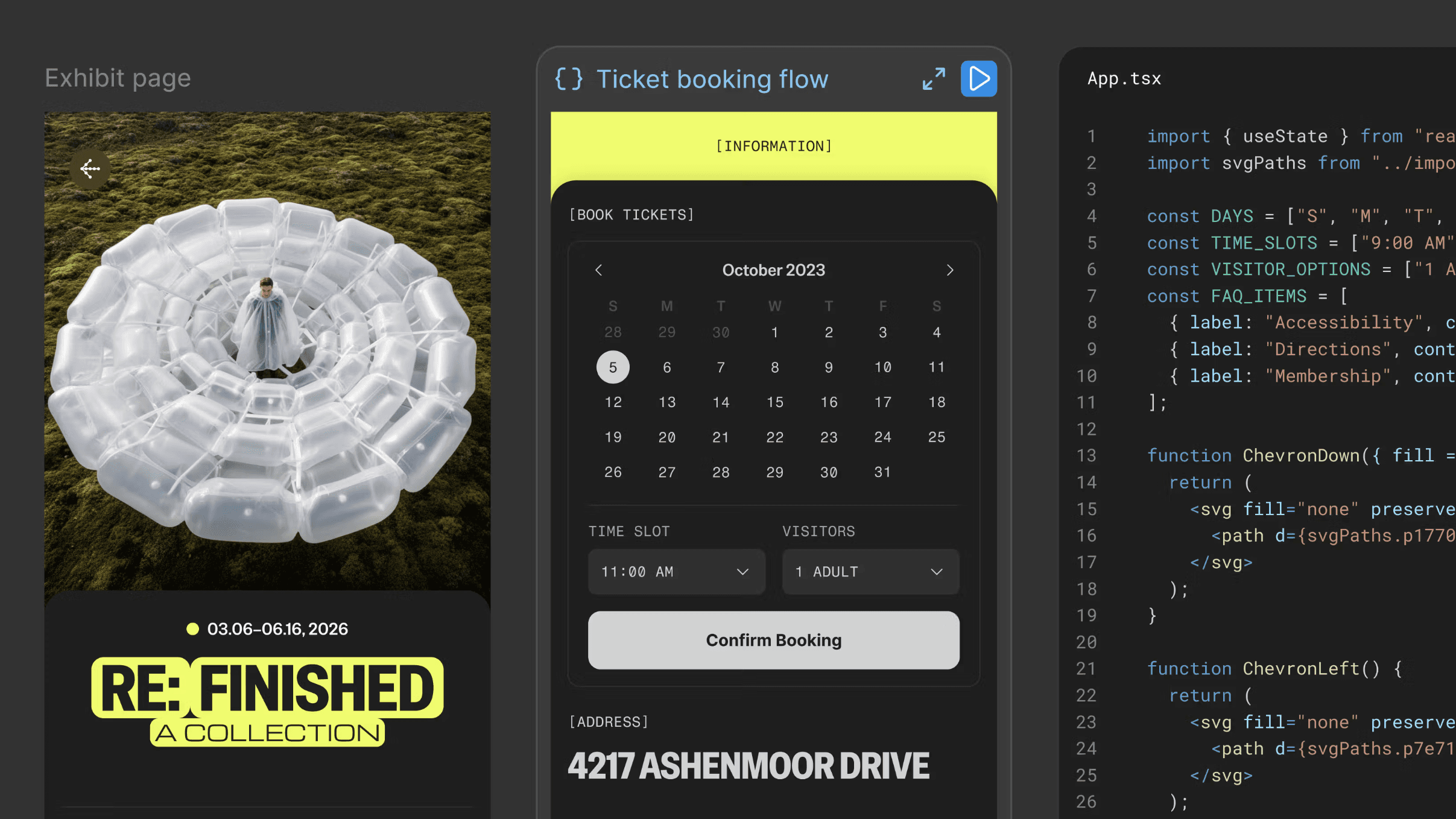
With code layers in Figma Design, interactive code becomes part of the canvas itself, making it easier for teams to explore, iterate, and shape ideas together in the same place.
Code layers are rolling out in closed beta over the next few weeks.
Learn more about Code on the Canvas
2. Figma Motion
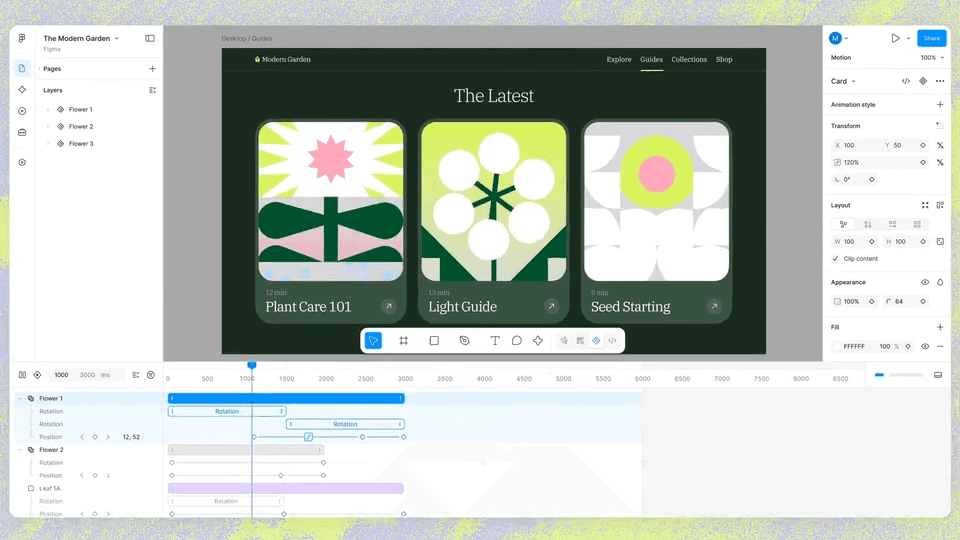
Figma Design added a timeline, including keyframes, presets and much more. You can build motion from scratch, layer it onto existing designs or ask the Figma agent to generate a starting point. For a designer who hasn't animated before, the Figma agent removes the learning curve, describe what you want, and it builds real keyframes on the timeline, grounded in your components and tokens.
Motion is in open beta. Starter users can access motion with limited exports. Full seat users on all plans can access motion primitives and export. Full design system integration and the Figma agent for motion are available on paid plans.
3. The Figma Agent
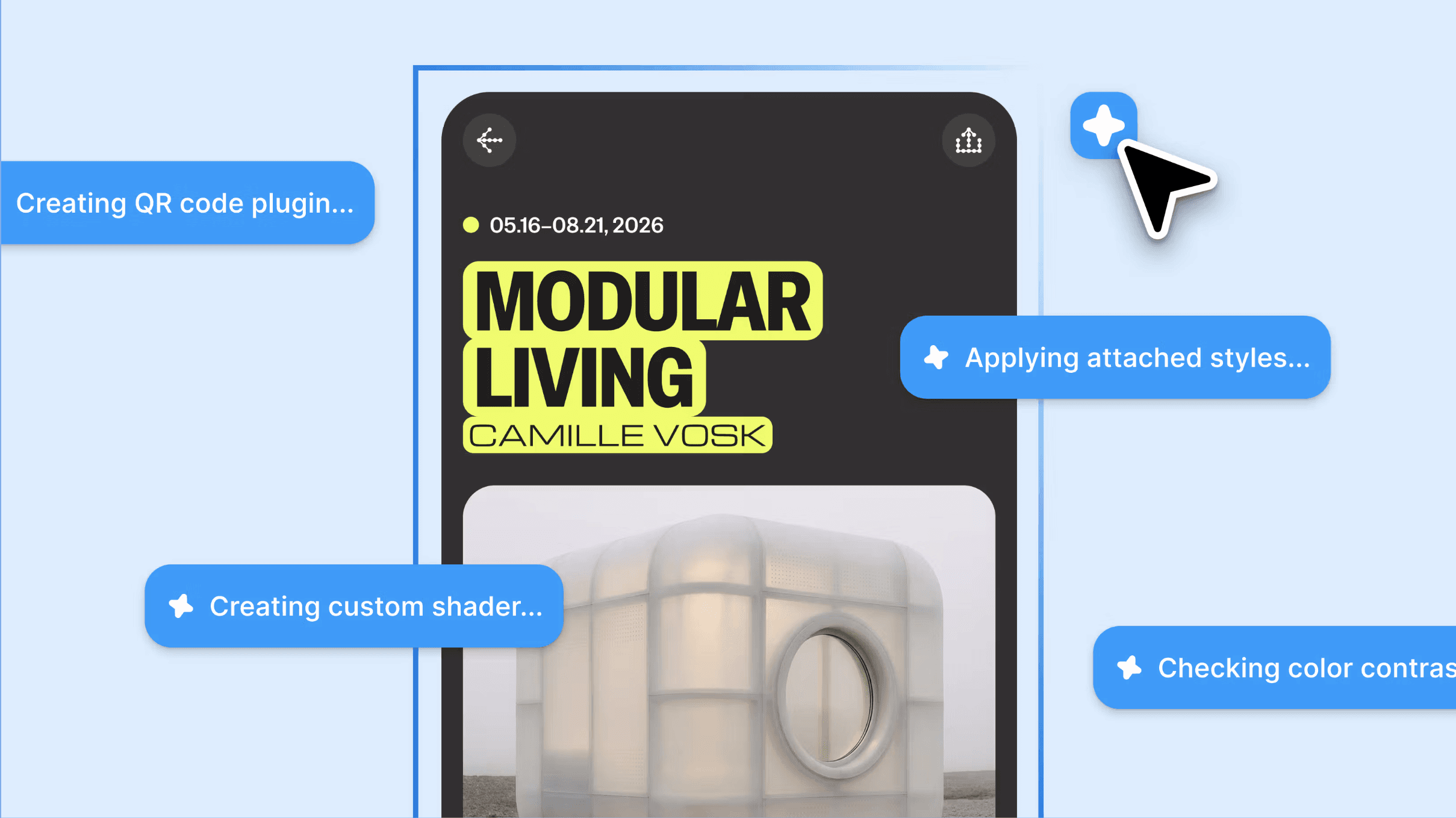
Where that collaboration gets interesting is on the Figma canvas itself, creating tools, effects, and experiences that wouldn’t have been possible before.
The Figma Design Agent is now available in open beta for Full seat users on Professional, Organisation, and Enterprise plans.
4. Shader Fills and Effects
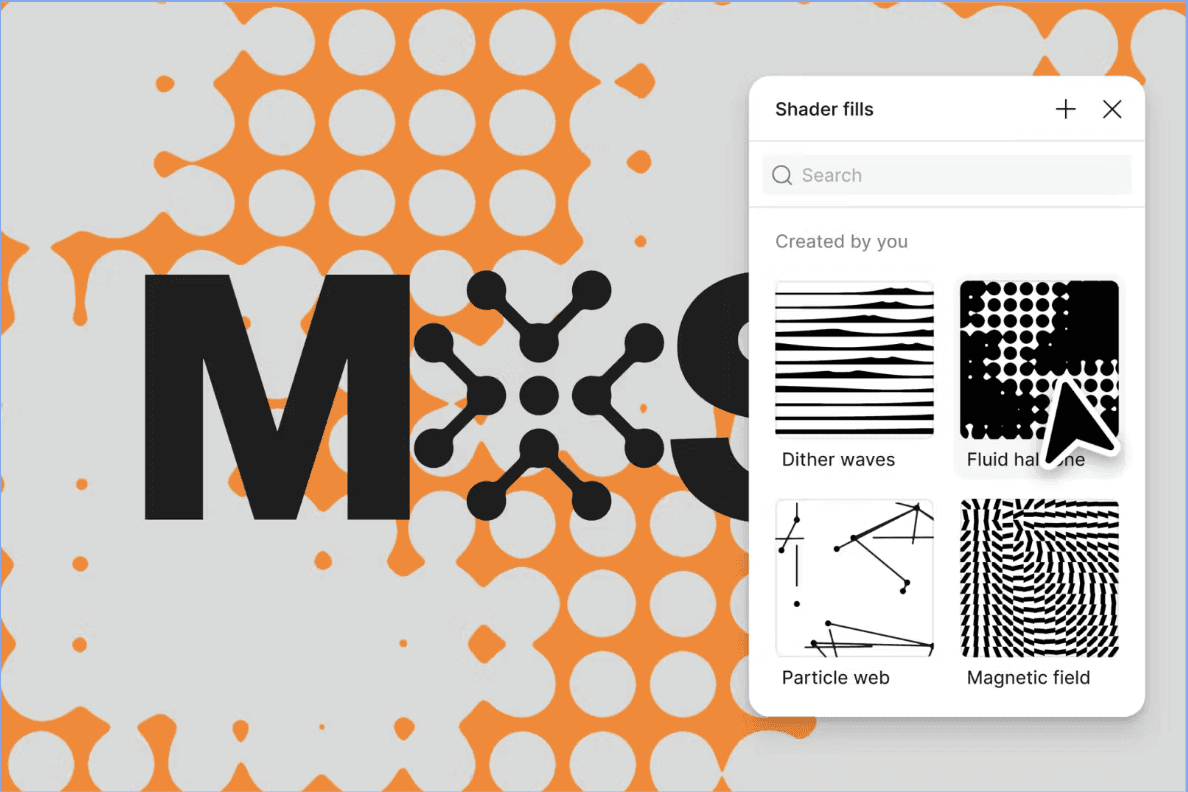
Now you can describe what you want, or use an image as a reference, and the Figma agent will build it for you. An effect transforms what’s already in the layer, and a fill acts as a new material. Because all of this is built with the Figma agent, shader fills and effects are parameterised by default. This allows you to add controls directly on the canvas and shape them in any way you want.
Learn more about Shader Fills and Effects
5. Generative Plugins
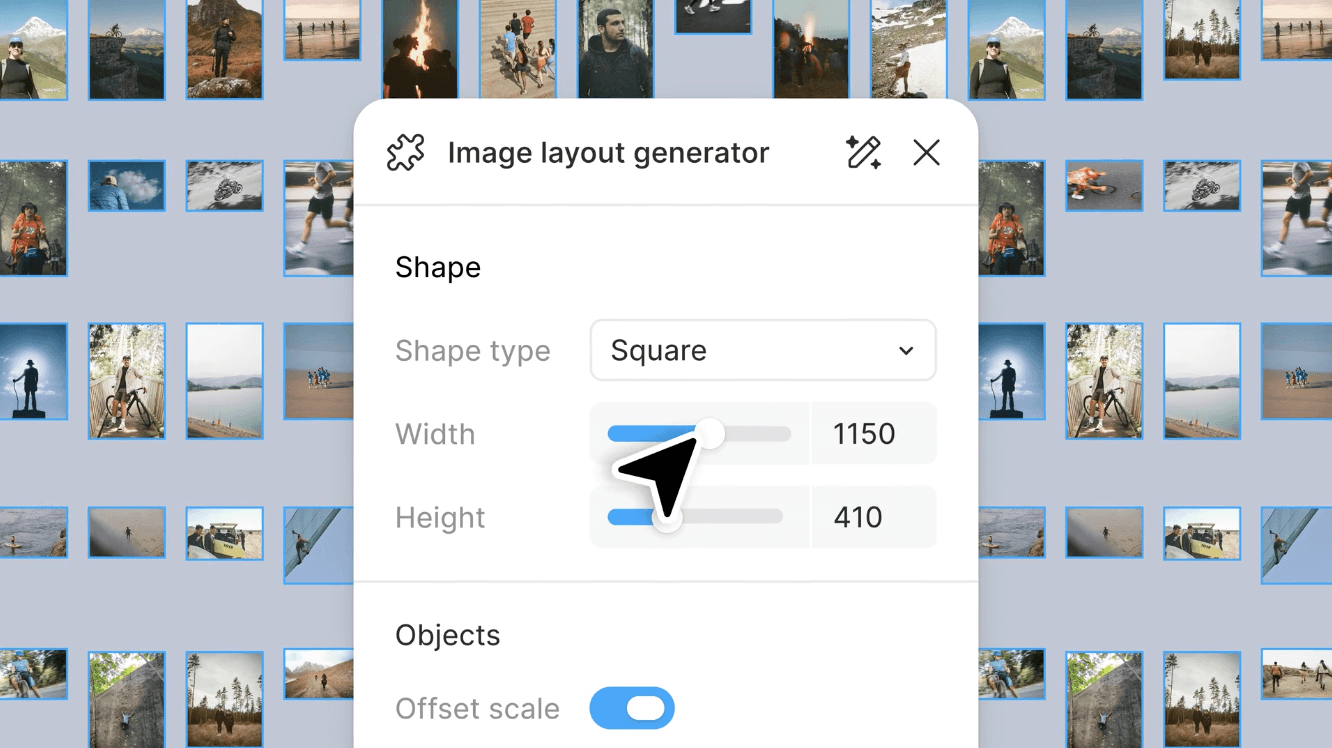
Every designer has unique workflows. Generative plugins make creating all the tools you want possible. To build a generative plugin, just describe the tool you need: the behavior, the controls and the parameters. No local dev environment or plugin API knowledge required. It feels native to the canvas just like any other Figma tool.
For both generative plugins and shaders, you can build something for yourself and share it with anyone in your file. Soon, you’ll be able to publish tools to your team, organisation or the broader community.
Learn more about Generative Plugins
6. Figma Weave
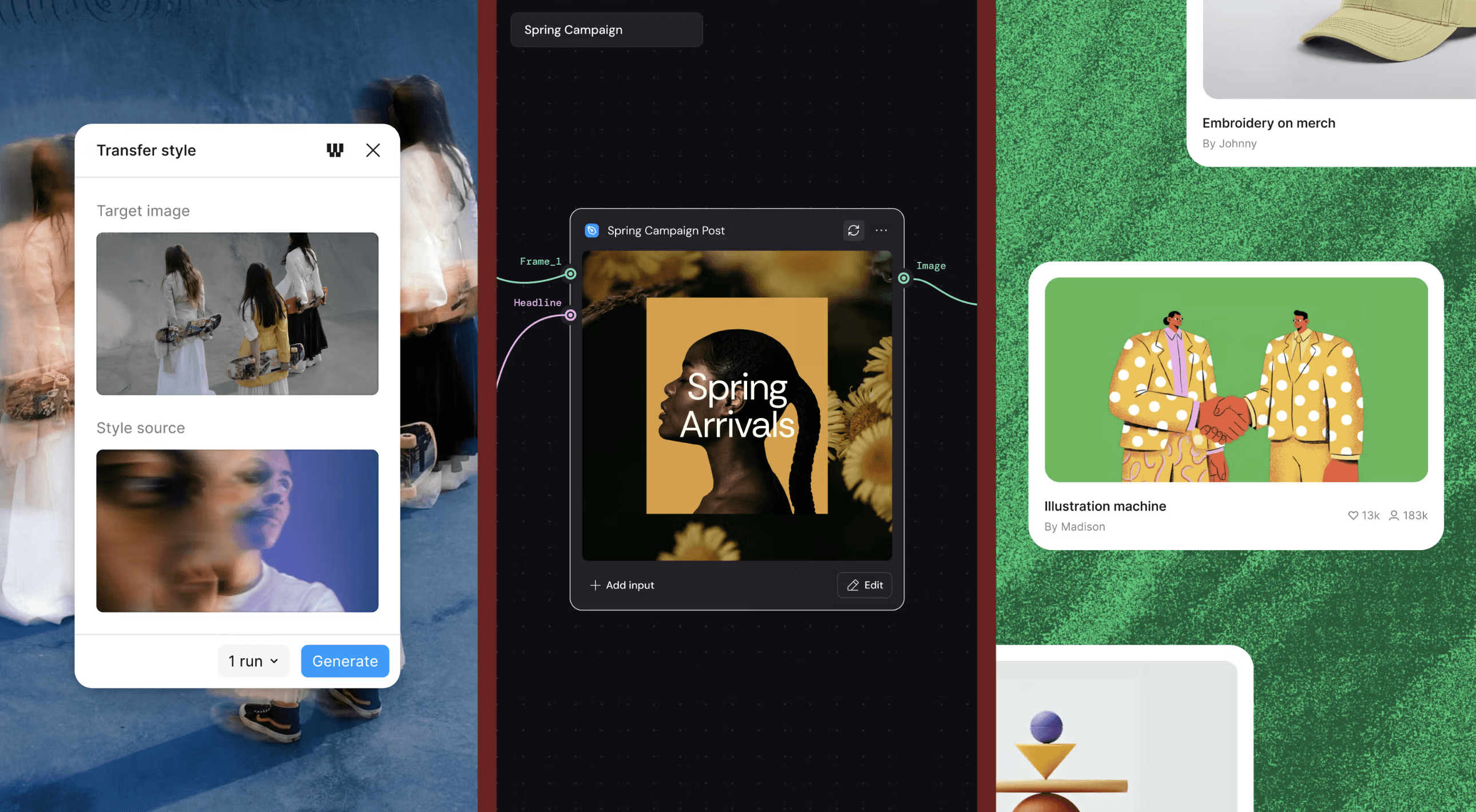
Weave tools combine powerful AI workflows from Figma Weave into pre-built creative tools in Figma for consistent, high-quality outputs.
Weave tools are in open beta and will be free to use throughout the duration of the beta.
7. Figma Skills
Good prompts carry a point of view. Skills let you save that thinking, share it with your team, and put your creative direction to work beyond your own files. Skills are pre-built instructions that teach your AI agent how to handle common Figma tasks reliably, such as creating a new file, building a screen from your design system, or generating code from a design. Without skills, you'd need to describe each step yourself every time. With them, you can ask your agent to do something like "create a new Figma file" or "implement this design" and it already knows what to do.
"At past Configs, we’ve talked about AI lowering the floor and raising the ceiling. But while AI has lowered the floor, it has not raised the ceiling. Designers, creatives, builders: You will raise the ceiling."
You can take a look at the recordings from the entire conference here: https://config.figma.com/san-francisco/agenda/
Get early access to code layers, 3D transforms and Agents in FigJam/Slides here: https://www.figma.com/config-betas/